Usage
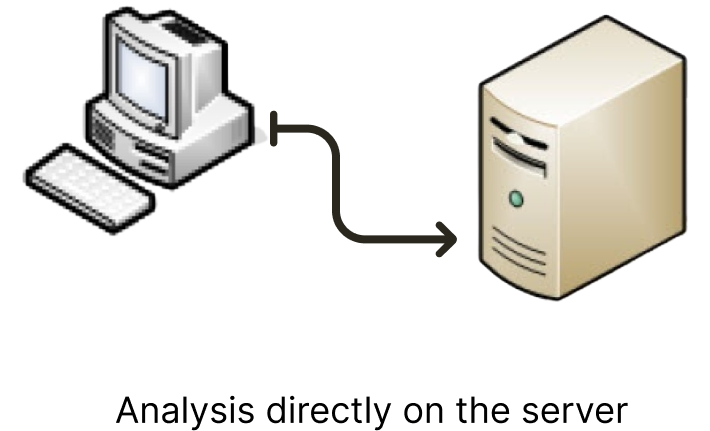
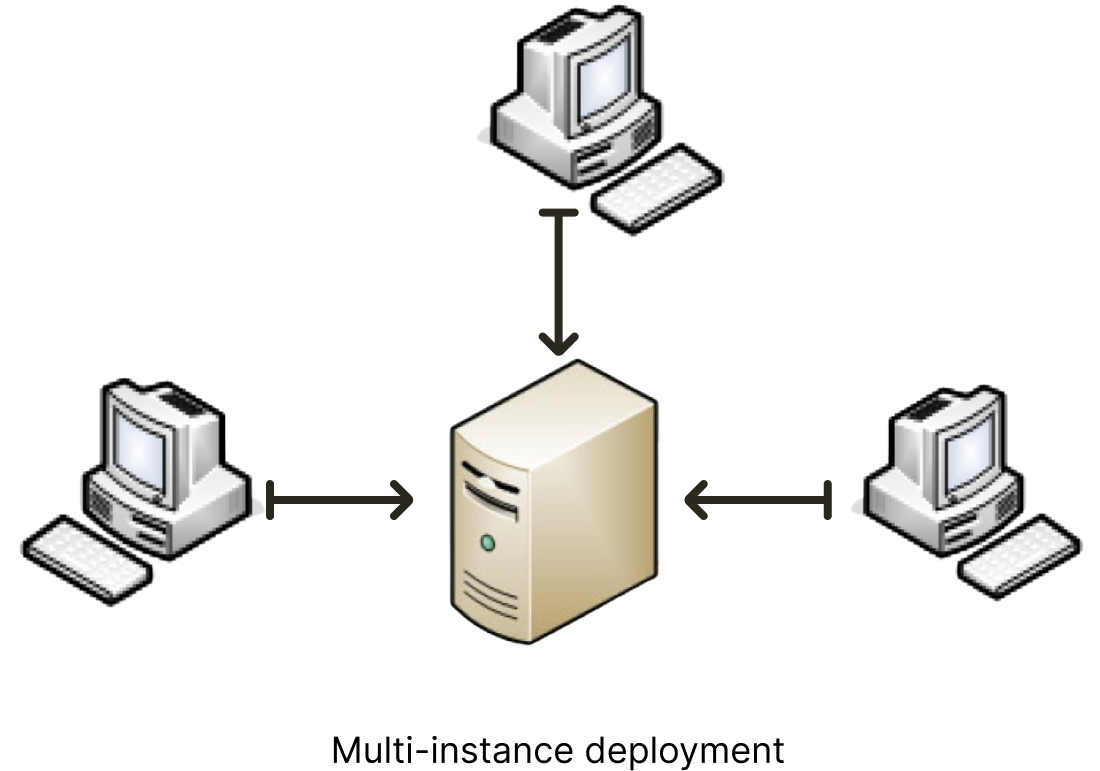
The DREPAL-IPCINGSTOOLSKIT can be used in two ways. "Mode (1)" (Analysis directly on the server) and "Mode (2)" (Multi-instance deployment) usable by many users at the same time.
Mode 1
Mode 2
Note
Mode 2 will be the subject of an implementation available very soon. The reason for this is the implementation of SFTP (Secure File Transfer Protocol) for file uploading.
Account creation
Login Screen
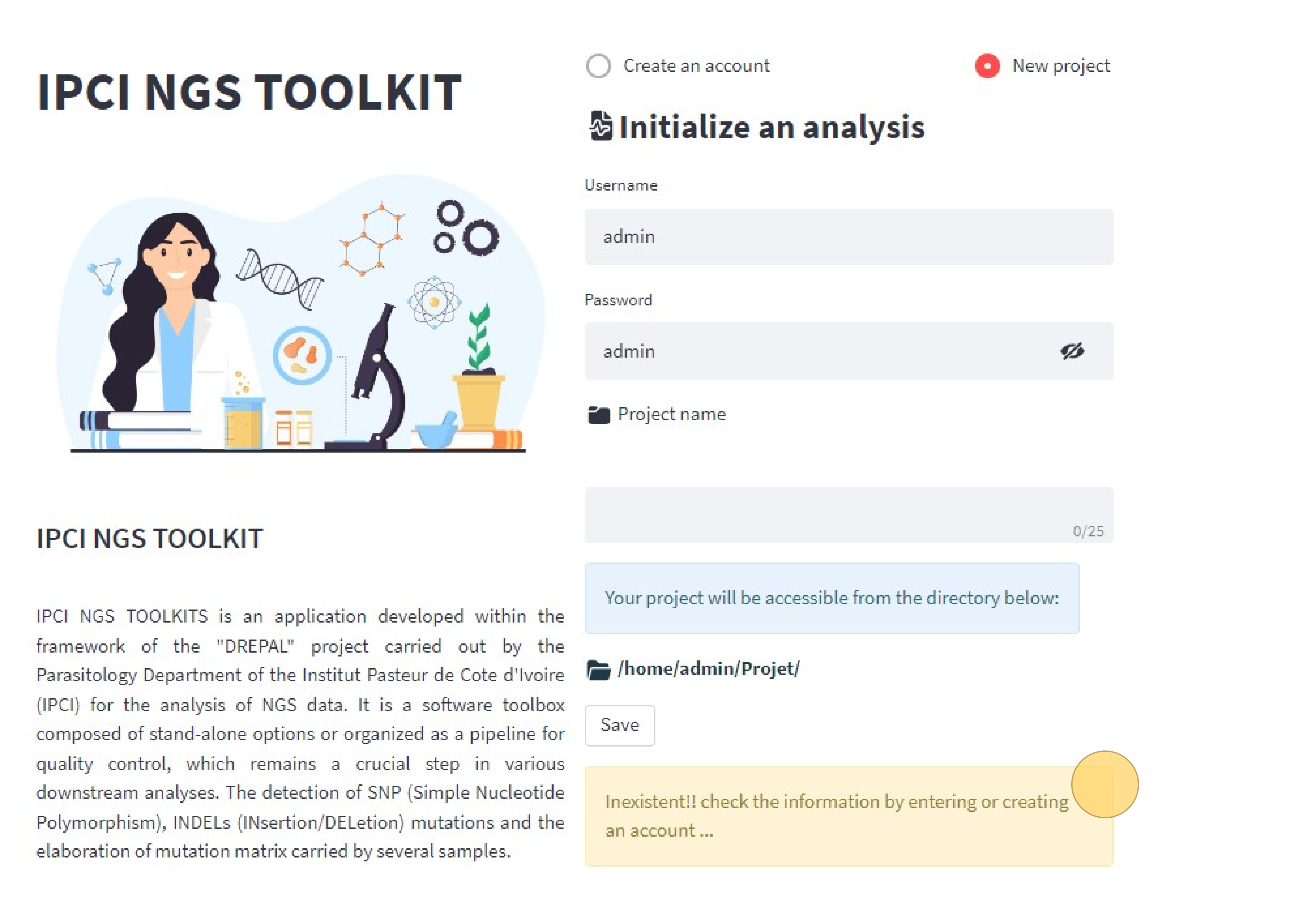
When you open the application, you are asked for a username and password. This depends on how you are using the application. If it is “Mode (1)” where you are the only one using the application, you can create an account or if it is a quick scan, you can connect with the default account "username: admin" , "password: admin" by clicking on the new project.
Create an account
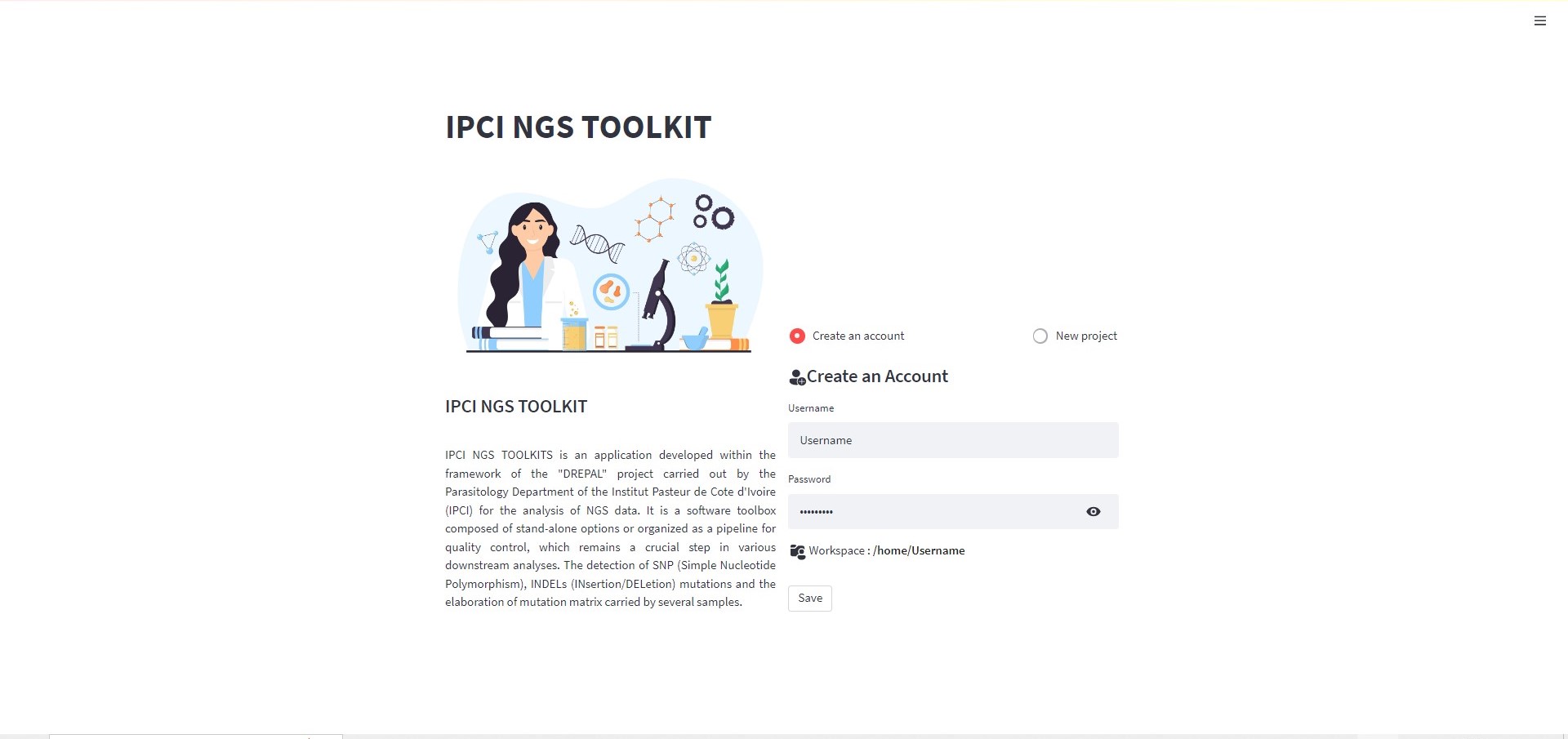
click on save and go to New project to connect.
Note
the use of account creation makes it possible to instantiate a directory for saving the analyzes of the user. "Workspaces : /home/Username"
New project by default account
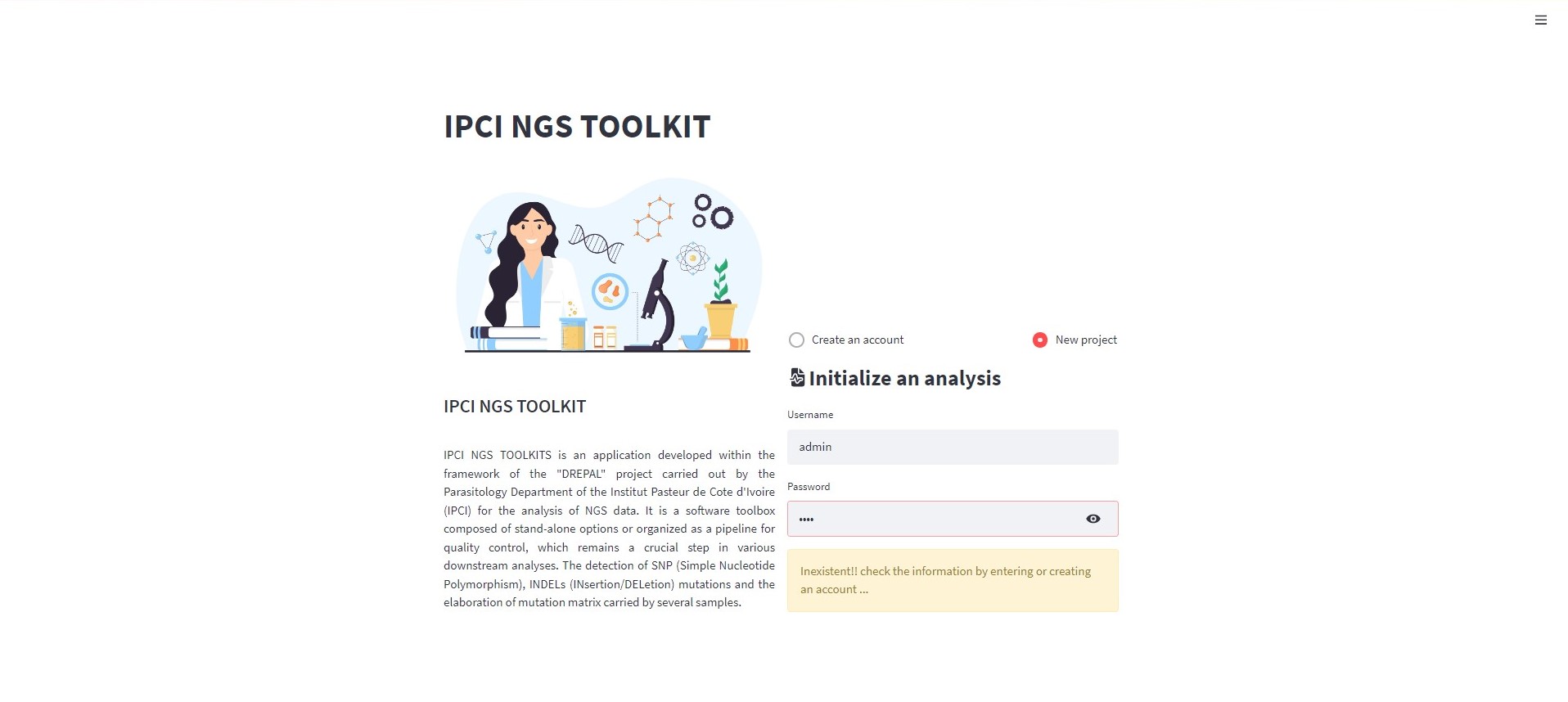
New project screen by default account
Note
When you are logged in with the default account ignore the warning message.
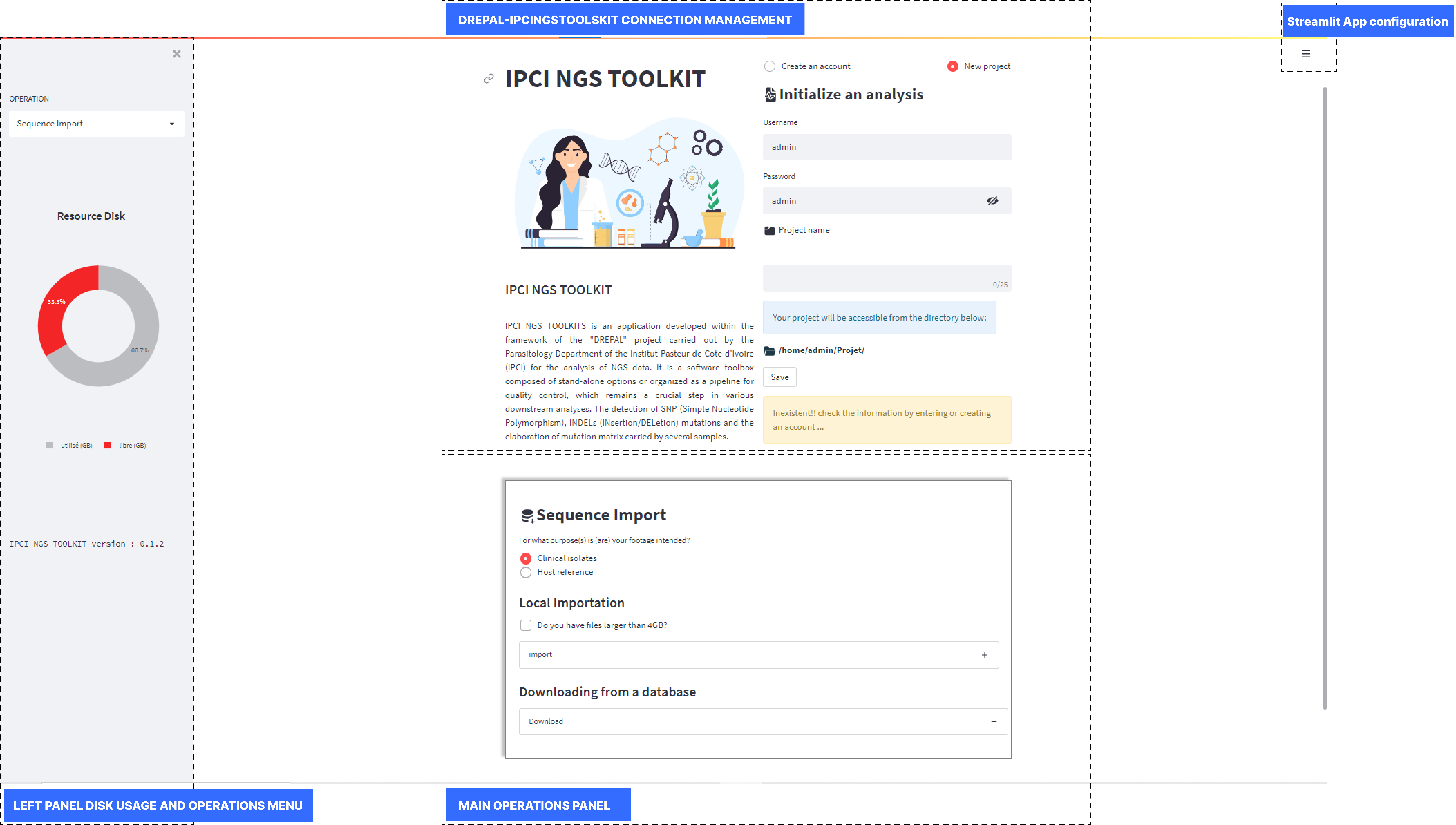
PRESENTATION OF THE DIFFERENT PANELS
DREPAL-IPCINGSTOOLSKIT screen